
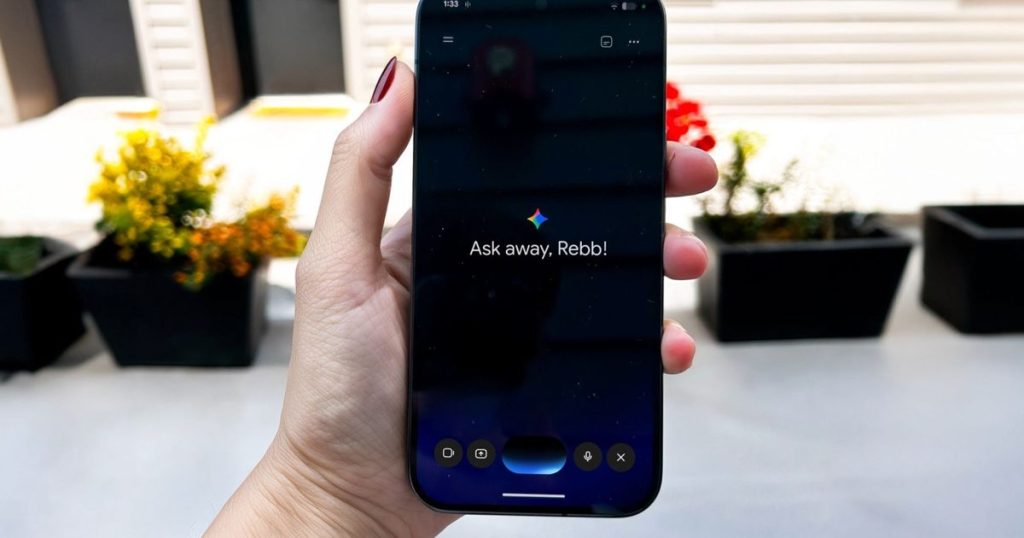
Dictating thoughts into a phone or computer usually requires deliberate pauses and artificial clarity to avoid a screen filled with garbled text. Google is tackling this everyday frustration with Gemini 3.5 Transcribe, a speech recognition model engineered specifically to process authentic, unpolished human speech.
Gemini 3.5 Transcribe is Google’s speech-to-text model designed to convert messy voice input into structured text. Operating with a low word error rate across more than 85 languages, it strips filler words, corrects mid-sentence changes, and distinguishes multiple speakers, serving individual users and enterprise platforms across the Google ecosystem.
How Gemini 3.5 Transcribe Filters Messy Voice Input
Most speech models record every vocal stumble literally, forcing users to edit transcriptions manually. Gemini 3.5 Transcribe automatically detects and removes common filler words such as “um” and “ah” before they reach the page.
The software also processes real-time contextual revisions. If a user stumbles while speaking—saying “let’s schedule for Tuesday, no wait, Wednesday”—the system recognizes the self-correction and updates the text directly to Wednesday. Users can also perform formatting and text adjustments using voice commands alone.
Beyond basic speech processing, the model handles complex workflows through function calling. In applications like the macOS Gemini client, it can pass tasks such as image generation or document analysis to specialized AI models based on verbal instruction.
Performance Specifications and Technical Capabilities
Google has anchored Gemini 3.5 Transcribe within its broader “Gemini Audio” suite, running alongside Gemini 3.5 Live and Gemini 3.5 Live Experimental. The model delivers high accuracy across various acoustic environments and specialized domains.
| Feature / Metric | Specification Details |
|---|---|
| Real-Time Streaming Error Rate | 4.0% Word Error Rate (WER) |
| Pre-Recorded Audio Error Rate | 2.6% Word Error Rate (WER) |
| Language & Dialect Support | 85+ languages, regional accents, and domain-specific jargon |
| Speaker Diarization | Attributes up to 3 unique speakers with exact timestamps |
| Audio Suite Branding | Gemini Audio (with 3.5 Live & 3.5 Live Experimental) |
Platform Availability and Expansion Plans
Gemini 3.5 Transcribe is actively deployed across several consumer and developer tools rather than remaining restricted to testing environments. It currently powers Rambler, the dictation engine built into Gboard on Android devices, as well as the native Gemini application on macOS.
Google plans to introduce the model into Google Chrome, allowing users to dictate directly into any web browser text box.
For developers and organizations, access is available through Google AI Studio and Antigravity, Google’s agentic coding environment. Enterprise deployments are handled via the Gemini Enterprise Agent Platform. Rollouts are also expanding across Search Live, Gemini Live, Google Docs, Google Keep, and Gmail.
Frequently Asked Questions
How does Gemini 3.5 Transcribe handle speech errors and filler words?
The model identifies non-essential vocal sounds like “um” or “ah” and filters them out automatically. It also monitors sentence context in real time, overwriting initial misstatements when a speaker corrects themselves mid-sentence.
Which platforms currently feature Gemini 3.5 Transcribe?
It is currently live in Android’s Gboard via Rambler, the macOS Gemini app, Google AI Studio, Antigravity, and the Gemini Enterprise Agent Platform. Support for Chrome, Google Docs, Gmail, and Keep is actively expanding.
Can Gemini 3.5 Transcribe distinguish between different speakers?
Yes, the model includes built-in speaker diarization. It can identify and attribute dialogue for up to three separate speakers in a single audio file while appending timecode markers to the text output.